
55W CO₂ gantry
xTool P2S — Long-Term Owner Review
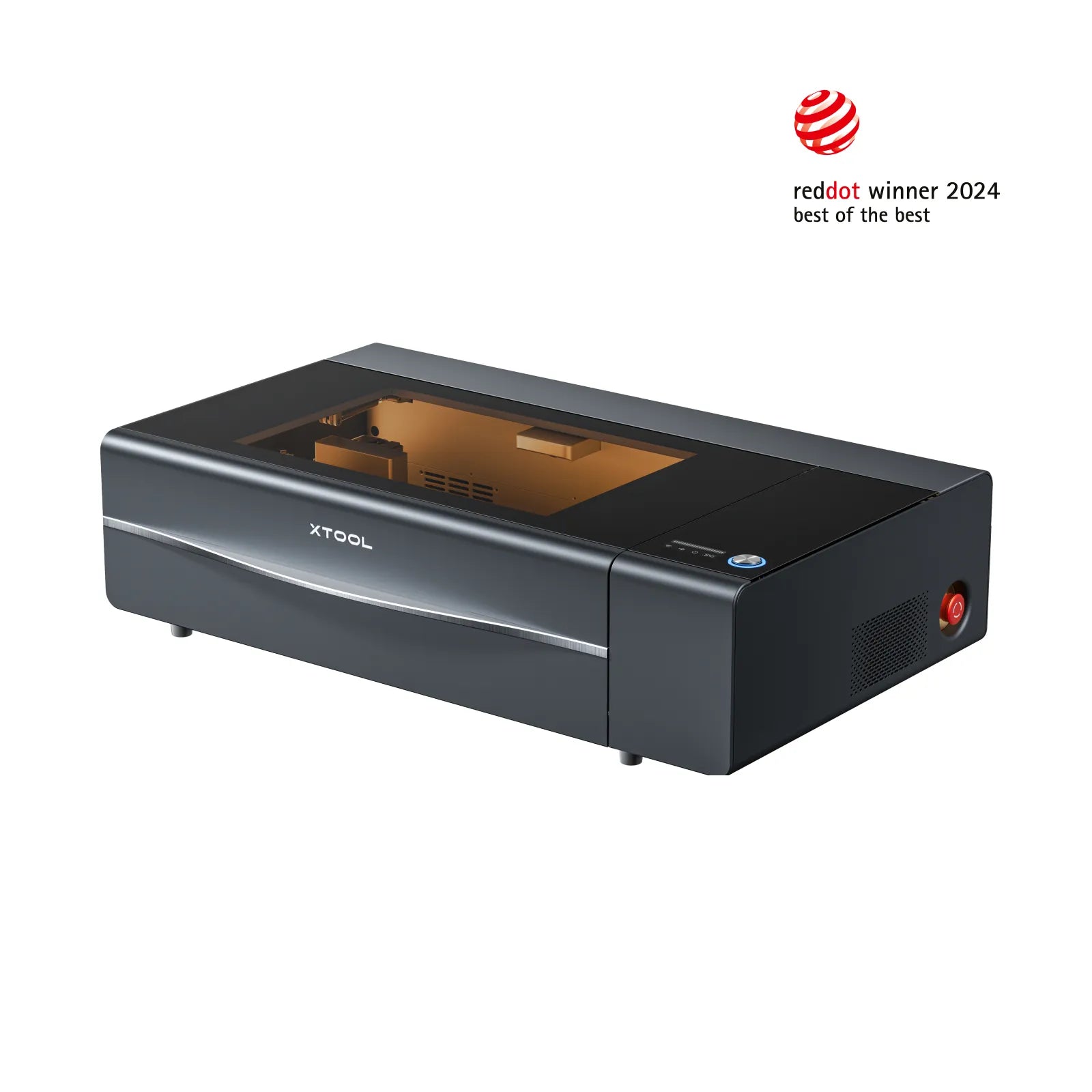
We owned and ran an xTool P2S as our CO₂ workhorse before moving to the P3. This is a long-term owner review written from that direct experience: 55 W, a sensible bed size, and cutting quality that handled signage, wedding stationery, joinery jigs and retail props without drama. The P2S is no longer part of the BVLS studio suite, but the buying advice below still holds.
BVLS is Ireland's first xTool Pro Hub and an xTool affiliate partner. We may earn commission on qualifying purchases at no additional cost to you.
Who it's for
Where this machine actually earns its keep.
- Signage and display makers cutting acrylic, MDF and ply.
- Wedding and hospitality stationery studios.
- Small workshops needing dependable cutting plus engraving in one machine.
Strengths
- Cut a clean 5 mm acrylic edge with minimal cleanup.
- Engraving fidelity was high — fine detail on wood and slate held up.
- Bed and pass-through options handled most of the jobs in our production flow at the time.
Honest limits
- Not the right tool for marking bare metal — that's a fibre job.
- Production-scale larger-format work eventually wants the bigger bed and ACS workflow of the P3, which is why we moved on.
Materials
What we actually mark, cut and engrave on it.
- Wood and ply: cut and engraved cleanly with the right air assist.
- Acrylic (cast and extruded): polished edges on cast, snappy cuts on extruded.
- Leather, paper, cork, textiles: fast engraving and reliable cutting.
- Slate and anodised metals: high-contrast marking.
See the full materials & finishes list, or browse the portfolio.
At a glance
The spec, briefly.
| Source | 55 W CO₂ tube |
|---|---|
| Best for | Cutting + engraving wood, acrylic, leather, paper, slate |
| Format | Gantry — flexible part sizes, pass-through optional |
| Studio status | Previously owned — no longer in the BVLS studio |
Frequently asked
- P2S or P3 for a new workshop?
- We ran the P2S first and later moved to the P3. If you mostly cut sheet stock and want pass-through plus larger jobs, the P3 pays for itself. If you're starting smaller or your work fits the P2S bed comfortably, the P2S is a smarter first machine.
- Will it mark stainless steel?
- Not on bare metal directly — CO₂ doesn't mark uncoated steel. With a marking spray you could get high-contrast marks on stainless, but if metal is core to your work, pair the P2S with a fibre.
- Do you still use a P2S?
- No. The P2S was previously owned and used at BVLS; the current studio CO₂ is the P3. This review is based on our own time with the machine, not on current production use.
Want one-to-one advice before you buy? Book an xTool consultation — we can place the order with xTool on your behalf after the call.
Related reading
Journal
The best wood to laser engrave: a working shortlist
Not all timber behaves under a laser. Here's the shortlist we actually keep in stock at the studio — and the woods we've given up on.
Read more about The best wood to laser engrave: a working shortlistJournal
What materials can you laser engrave? A practical reference
A working list of what each laser type marks, cuts, and refuses to touch — built from years of production runs, not a marketing sheet.
Read more about What materials can you laser engrave? A practical referenceBuyer guide
Best xTool for signage workshops
P2S versus P3 on bed size, throughput and pass-through — the CO₂ that saves time on larger panel work.
Read more about Best xTool for signage workshops